Retexture GLB and 3D Models with AI
Upload a GLB, GLTF, OBJ, FBX, or STL model up to 50MB, then describe the material you want or add a style reference image. Choose whether to keep the original UV mapping and whether to generate PBR materials before starting the job.






Guide the Material with Text
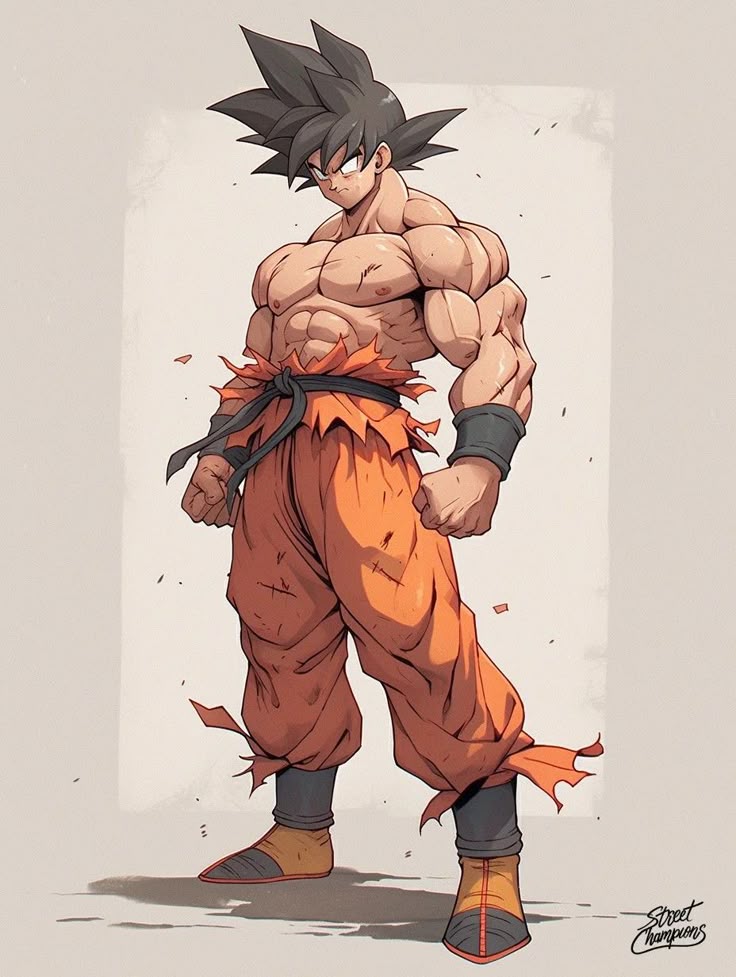
Describe the surface you want in up to 1,500 characters. Include material, color, finish, wear, and style details—for example, weathered bronze with dark patina or matte red ceramic with subtle scratches.
Keep UVs or Generate PBR Materials
Use the original UV mapping when you need to preserve an existing layout. Turn on PBR generation when the project needs physically based material output. Both controls are available before submission.
What Creators Say About Our To 3D AI Platform
Join thousands of developers, designers, and artists who trust our AI 3D model generator for their professional workflows
Noah Böhringer
Game Developer at BHR Studios
This is without a doubt the best text to 3D AI model generator available. The image to 3D AI conversion produces incredibly detailed models that saved our studio hundreds of hours in modeling time.
Tim Karlowitz
Website Developer
The speed at which I can generate 3D models with this To 3D AI platform is astonishing. The AI 3D model generator has simplified my workflow and given my applications an aesthetic uplift that impresses clients.
Junior Lopez
3D Artist
The best image to 3D AI model generator out there. Unmatched quality from my comparisons. This To 3D AI tool has saved me so much time and money while delivering the realistic detail I need.
Paul Hoover
Game Studio Director
3D AI Studio's text to 3D AI model generator produces far superior output with highly detailed, realistic models. The AI 3D model generator includes amazing tools for source image generation and retexturing.
Yuri Shmorgun
Indie Developer
Mind-blowing results from this To 3D AI platform. The image to 3D AI model generator creates cool game assets within minutes with optimized topology ready for game engines.
Ian Chaplin
3D Printing Specialist
I've tried several 3D modeling solutions, but this AI 3D model generator stands out for both product quality and support. The text to 3D AI generator consistently produces printable models.
Brad J Bigner
Game Asset Creator
The To 3D AI platform creates models that won't break the bank. The image to 3D AI model generator converted my 2D artwork into AAA-quality character models with armor that looks professional.
Sarah Chen
Architectural Visualizer
This AI 3D model generator has revolutionized our architectural visualization workflow. The text to 3D AI generator creates accurate furniture and environment models that integrate perfectly into our scenes.
Mike Rodriguez
Product Designer
The To 3D AI platform's image to 3D AI model generator transformed our product design process. We can now create 3D prototypes from sketches in minutes instead of days.
Alex Thompson
VR Developer
As a VR developer, I need optimized 3D assets quickly. This AI 3D model generator delivers perfectly optimized models through both text to 3D AI and image to 3D AI workflows.
Jessica Williams
Animation Director
The character models generated by this To 3D AI platform have clean topology that's perfect for animation. The text to 3D AI model generator understands anatomical proportions remarkably well.
AI 3D Retexture FAQ
What does AI retexturing change on a 3D model?
Retexturing changes the model's surface appearance while using the uploaded model as the source asset. You guide the new material with a text prompt or a reference image. It is intended for changing color, finish, wear, and material style rather than replacing the model's overall geometry.
Can I retexture a GLB file online?
Yes. Upload a GLB file up to 50MB, then guide the new material with a text prompt, a reference image, or both. The same workflow also accepts GLTF, OBJ, FBX, and STL files.
Do I need a text prompt and a reference image?
No. The job requires at least one style input: a text prompt or a reference image. You can use a concise material prompt, add a visual reference, or provide both when you want the request to be more specific.
What does the original UV option do?
The Use Original UV Mapping switch is enabled by default. Keep it on when the existing UV layout matters to your workflow. Turn it off only when you do not need to preserve that source layout.
Can the tool generate PBR materials?
Yes. The Generate PBR Materials option is available before submission and is off by default. Enable it when your downstream workflow needs physically based rendering materials.
How much does one AI retexture job cost?
The current Meshy Retexture configuration uses 15 credits per submitted job. Check the selected model and your available balance in the generator before starting.
How should I write a useful retexture prompt?
State the material first, then add color, finish, condition, and any details to preserve. For example: matte black anodized aluminum, lightly worn edges, subtle brushed grain, keep logos readable. The prompt field accepts up to 1,500 characters.
Does retexturing replace remeshing?
No. Retexturing focuses on surface appearance. If you need to change topology, polygon count, scale, or origin placement, use the separate Remesh tool before or after the material workflow.
What should I check before submitting?
Confirm that the source file opens correctly, is under 50MB, and uses a supported extension. Then review the text or image style input, original UV setting, PBR setting, and the 15-credit cost.
Ready to Transform Your Ideas into 3D Reality?
Join thousands of creators using our advanced To 3D AI technology. Generate your first 3D model instantly with our powerful AI 3D model generator - no credit card required for the free trial.